Settings
App Settings let you manage your account security, display preferences, notifications, and privacy. Every user has access to their own settings.
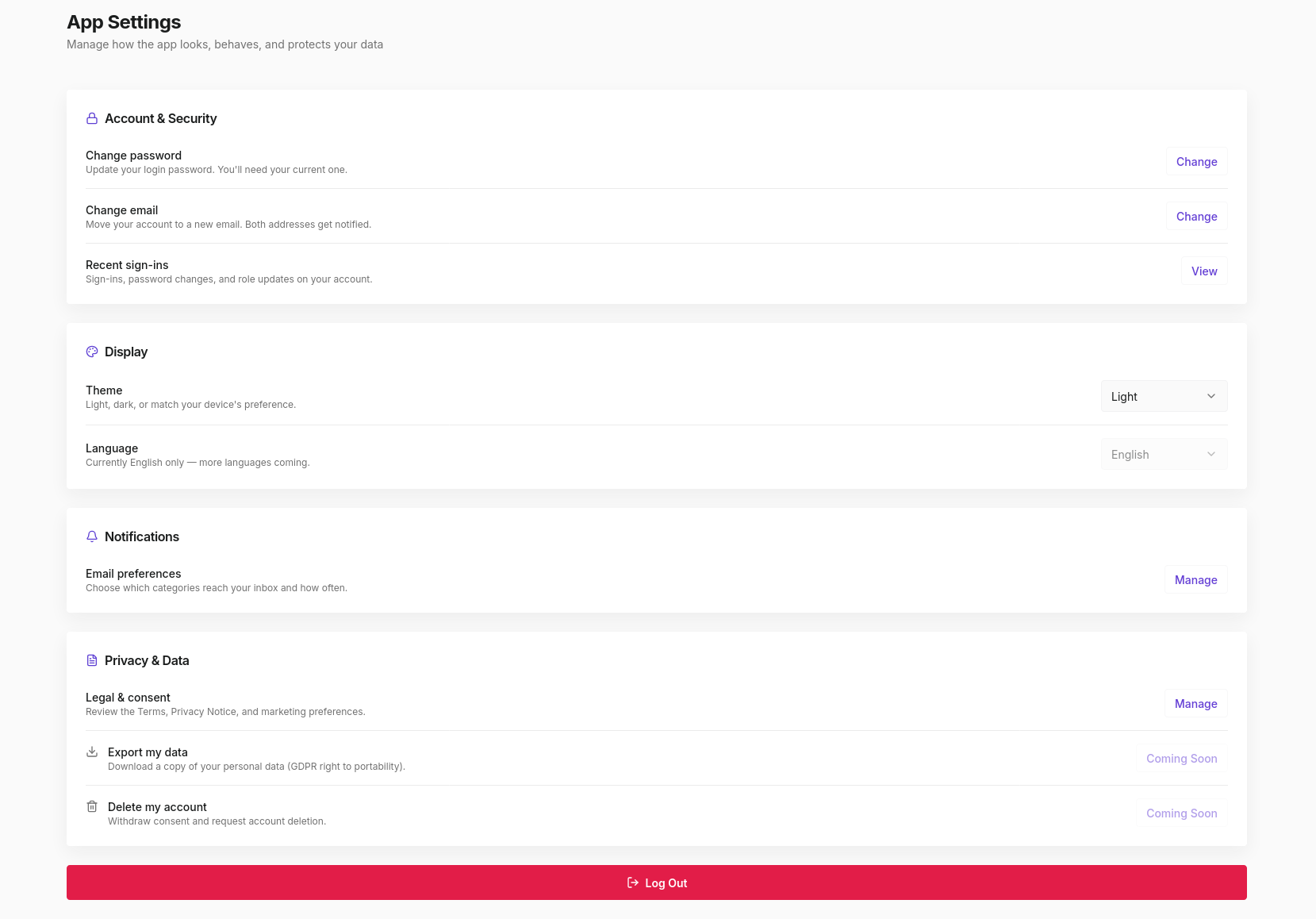
Access settings from your Profile page. Click Settings in the top-right corner, or use the gear icon at the bottom of the sidebar.
Account & Security
Change password
Update your login password. You'll need to provide your current password before setting a new one.
Change email
Move your account to a new email address. Both the old and new address receive a notification when the change is made.
Recent sign-ins
View a history of sign-ins, password changes, and role updates on your account. Useful for spotting unauthorised access.
Display
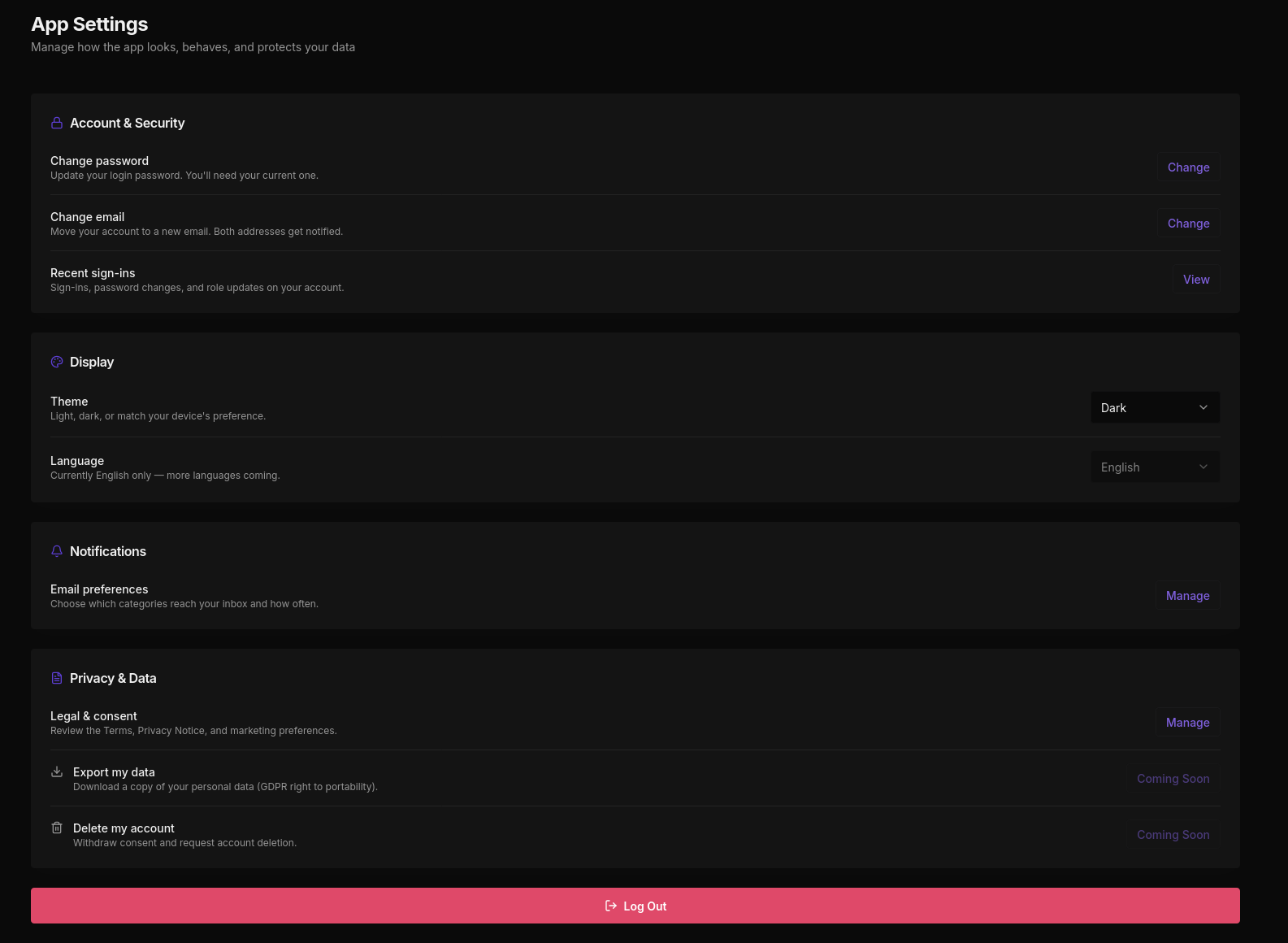
Theme
Choose between Light, Dark, or match your device's system preference. The dark mode toggle is also available directly from the bottom of the sidebar.
Language
Currently English only. Additional languages are coming in a future release.
Notifications
Email preferences
Manage which email categories reach your inbox and how often.
Privacy & Data
Legal & consent
Review the Terms of Service, Privacy Notice, and manage your marketing preferences.
Export my data
Download a copy of your personal data (GDPR right to portability). Coming soon.
Delete my account
Withdraw consent and request account deletion. Coming soon.
Log Out
The Log Out button appears at the bottom of the Settings page. Clicking it ends your session immediately and returns you to the login screen.